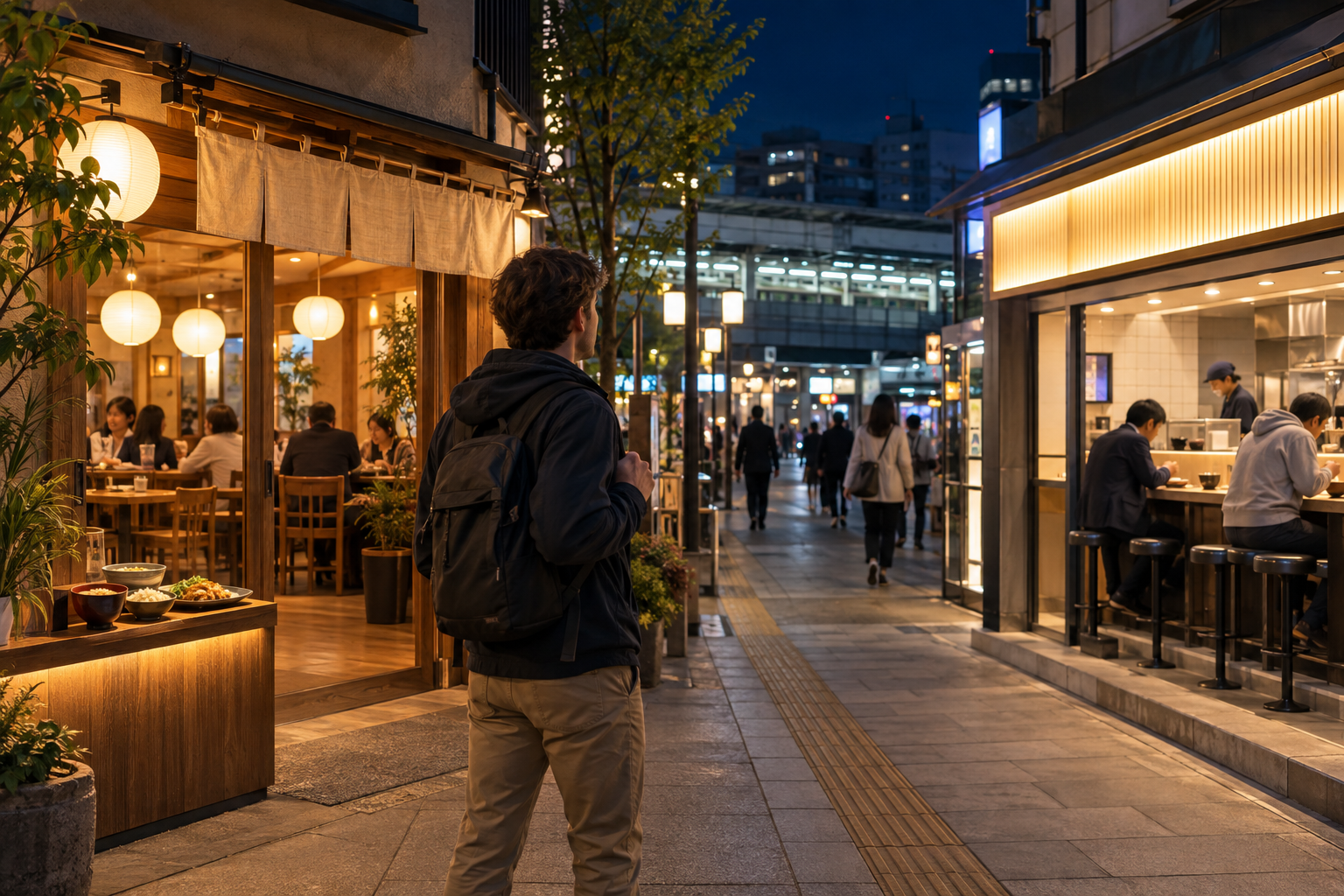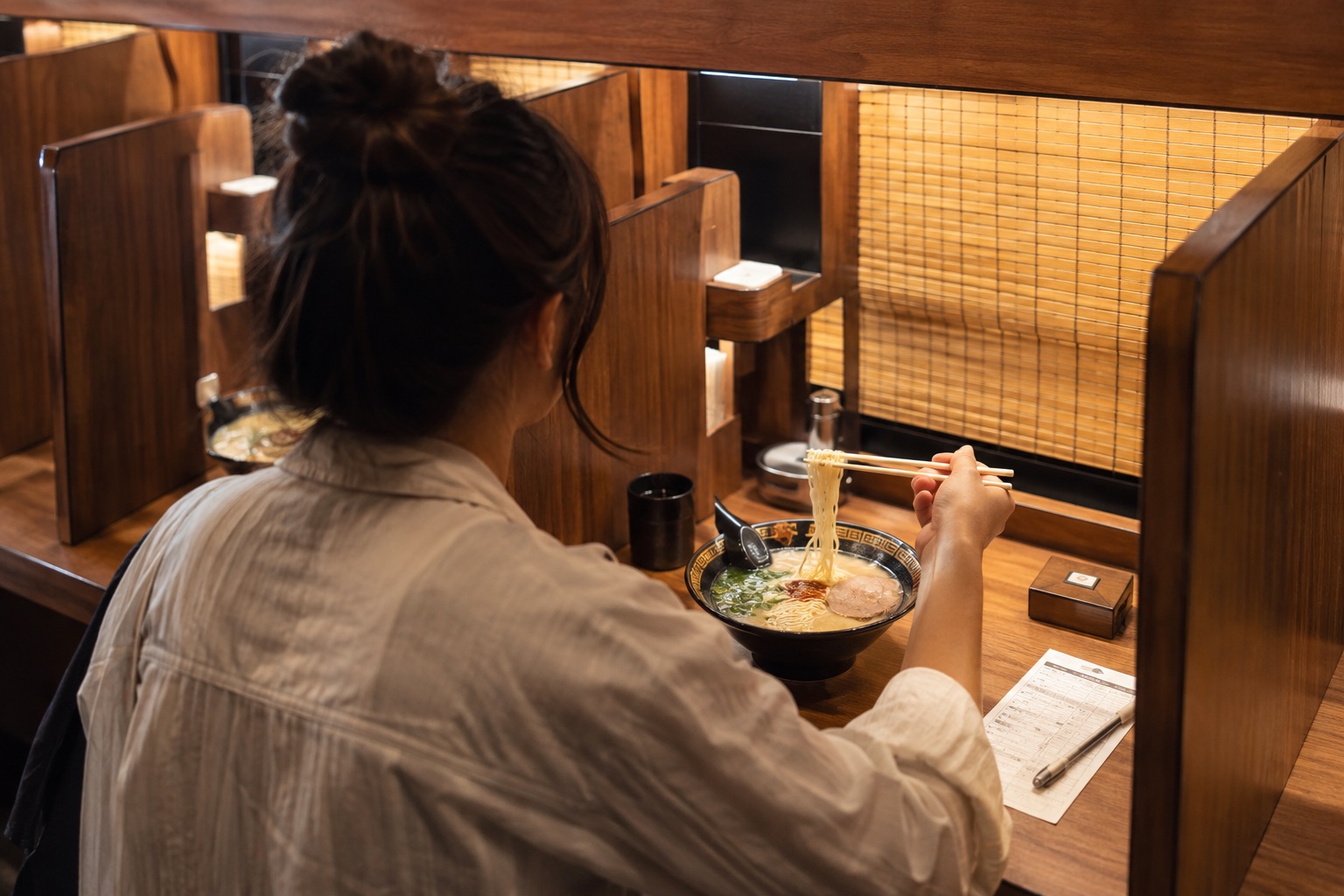
Japan’s big conveyor-belt sushi chains are designed to be easy, fast, and mostly self-service. The details differ by restaurant, but the basic flow is simple: check in, wait for your number, find your seat, order on the screen, request the bill, and pay near the exit.
1. The quick answer
Follow the screens from the entrance to the register
Enter the number of diners at the reception machine, keep the printed ticket, and watch the waiting screen. At your seat, switch the tablet to English if available and order a few dishes at a time. When finished, tap the payment button and follow the instructions to the cashier or self-checkout.
You do not need to speak fluent Japanese, and you usually do not need an app. Apps can help with reservations at busy times, but a walk-in ticket is the normal fallback. Store layouts, payment methods, and the exact wording on screens can vary.
2. Before you go
- Check the specific branch. Opening hours, last order, prices, accepted payment, and reservation options can differ.
- Avoid the busiest periods. Weekend lunch and dinner can mean a long wait; an app or web reservation is useful when the chain offers one.
- Bring a backup payment method. Carry some Japanese yen even if the branch lists cards or QR payments.
- Check allergy information before arriving. Menus and recipes change, and raw fish is only one of many possible allergens. Ask staff if cross-contact is a serious concern.
- Know your group size. The entrance machine may ask whether you prefer a counter or booth and may seat smaller groups more quickly at the counter.
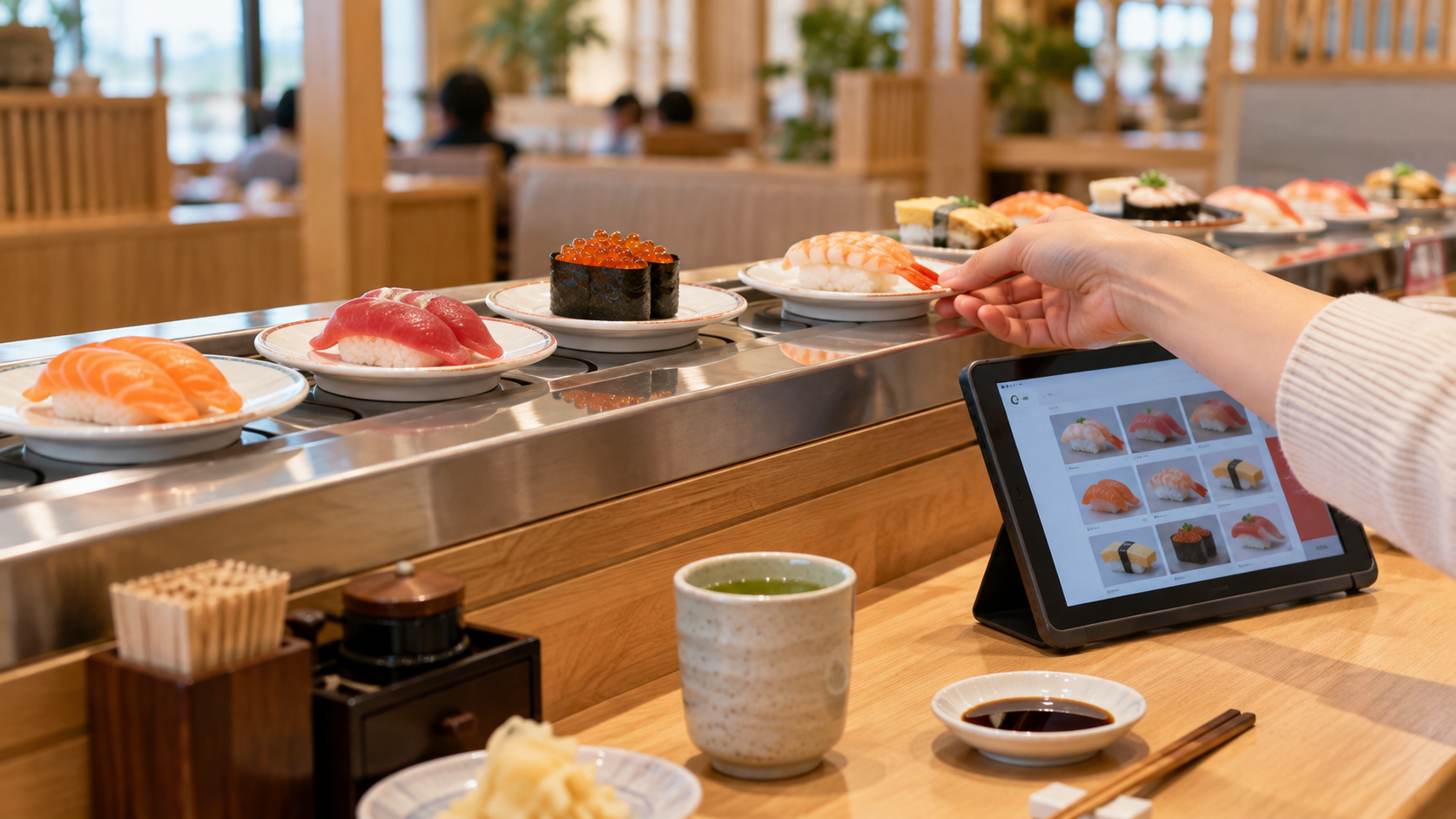
Many branches now prepare dishes after you order and send them directly to your seat. Treat the touch panel as the main menu unless the restaurant clearly invites you to take plates from a circulating lane.
3. The universal six-step flow
- 1Check in at the entrance
Choose walk-in or reservation check-in, enter the number of adults and children, and select a seat type if asked. Keep the reception ticket.
- 2Wait for your number
Watch the display and listen for the announcement. A reserved time is not always an exact seating time when the restaurant is busy.
- 3Go to the assigned seat
A screen, printed slip, or staff member will show the table number. Do not choose an empty booth yourself.
- 4Set the ordering language
Look for a globe or language button on the table tablet. Browse the menu, check the number of pieces and price, then confirm the order.
- 5Collect only your order
The screen or a sound usually announces an arriving dish. Take it from the delivery lane only when it stops at or indicates your table.
- 6Request the bill before leaving the table
Tap “Check,” “Payment,” or お会計. Wait for any plate count or confirmation, take the payment slip if one is issued, and pay at the designated register.
Order two or three plates first. You can learn how the delivery lane works, check the portion size, and add more without filling the table.
4. How the major chains differ
| Chain | What a first-timer should know | Distinctive feature |
|---|---|---|
| Sushiro スシロー | Order from a multilingual touch panel. Depending on the branch, you may also take clearly available plates from a lane. | Official English guidance lists English, simplified Chinese, and Korean on the ordering panel. The app supports store reservations. |
| Kura Sushi くら寿司 | Check in at the automatic guide machine and take the printed seat slip. Order by touch panel or linked phone, then follow the on-screen checkout steps. | Put eligible finished sushi plates into the table slot. Five plates trigger one “Bikkura-Pon!” game; bowls and other dishes stay on the table. |
| Hama Sushi はま寿司 | Use the table touch panel and wait for ordered food to arrive. The chain’s official guidance promotes app reservations for a shorter wait. | Hama Sushi shifted its restaurants to serving items ordered by touch panel rather than relying on freely circulating plates. |
| Kappa Sushi かっぱ寿司 | Use the table tablet. At participating branches, you can scan the displayed code and order from your phone without registering an account. | The phone can show the table’s combined order history, but checkout still begins from the table terminal’s payment button. |
These are practical patterns, not promises about every branch. Follow the instructions on the table and ask staff when the local system differs.
5. What you will find at the table
Most chains provide chopsticks, small plates, soy sauce, pickled ginger, cups, and powdered green tea at or inside the table. Cold water may be self-service or available from a dispenser.
- Hot-water tap: place the cup securely beneath it and press carefully. The water is hot enough to burn.
- Powdered tea: use a small amount first, add hot water, and stir with a clean spoon or stirrer.
- Wasabi: many inexpensive chains serve sushi without wasabi. Look for individual packets or order it from the screen.
- Plate colors: do not assume one universal price. Check the tablet, menu, or lane label because prices and plate systems vary.
- Condiments: use only what you need and leave shared containers clean for the next guest.
6. How checking and payment work
Do not simply walk to the front register. First tap the payment button on the table screen. The system may count plates automatically, ask you to confirm that all plates have been inserted, call a staff member, or print a payment slip.
At Kura Sushi, only put the appropriate sushi plates into the plate slot. Leave bowls, cups, chopsticks, and dessert containers on the table. At other chains, leave all plates in place unless the table instructions say otherwise.
At the checkout, scan the table slip or barcode if instructed, confirm the total, and choose a payment method. Credit cards, electronic money, and QR payments vary by branch. Sushiro’s official English page, for example, says credit cards and supported QR payments are available but electronic money is not accepted, with branch exceptions listed.
7. Easy etiquette that matters
- Take only a dish you intend to eat; never return a plate after touching it.
- Do not touch food, plates, covers, or delivery trays that belong to another table.
- Keep hands, sleeves, phones, and bags away from the lane.
- Do not block the delivery track with empty plates.
- Order an amount you can finish. Add more after you know your appetite.
- Keep the table reasonably tidy and follow the screen before clearing plates into any slot.
- Ask staff promptly if the wrong dish arrives or if an order is missing; do not send it back on the lane yourself.
8. Useful Japanese
| Japanese | Pronunciation | Meaning |
|---|---|---|
| 予約していません | Yoyaku shite imasen | I do not have a reservation. |
| 英語にできますか? | Eigo ni dekimasu ka? | Can this be changed to English? |
| 注文がまだ来ていません | Chūmon ga mada kite imasen | My order has not arrived yet. |
| これは私の注文ですか? | Kore wa watashi no chūmon desu ka? | Is this my order? |
| お会計をお願いします | Okaikei o onegaishimasu | The bill, please. |
| カードは使えますか? | Kādo wa tsukaemasu ka? | Can I pay by card? |
9. Quick FAQ
Do I need a reservation?
No. Walk-ins are normal, but popular branches can have long waits at lunch, dinner, and on weekends. A reservation usually reduces uncertainty rather than guaranteeing immediate seating.
Can I visit alone?
Yes. Choose a counter seat when the entrance screen offers one; it is often the quickest option for one person.
Does every plate contain two pieces?
No. Premium toppings, hand rolls, gunkan sushi, and promotional items may contain one, two, or another stated quantity. Check the item photo and description before ordering.
Can a group split the bill?
Do not assume individual payment is available. Kappa Sushi’s official phone-order guide, for example, says the connected phones cannot pay separately. Ask staff before checkout if you need separate bills.
Is the English menu identical to the Japanese menu?
Usually the core selection is available, but translations, limited items, and allergy details may differ. Use the current in-store display as the final reference.
This independently written guide was checked against the official Sushiro English guide and Sushiro app instructions, Kura Sushi’s first-visit guide, Hama Sushi’s official dining guide and ordered-service notice, and Kappa Sushi’s phone-order instructions. Brand names are used only to identify the services discussed. Systems, menus, prices, and payment methods may change; check the current branch display.