
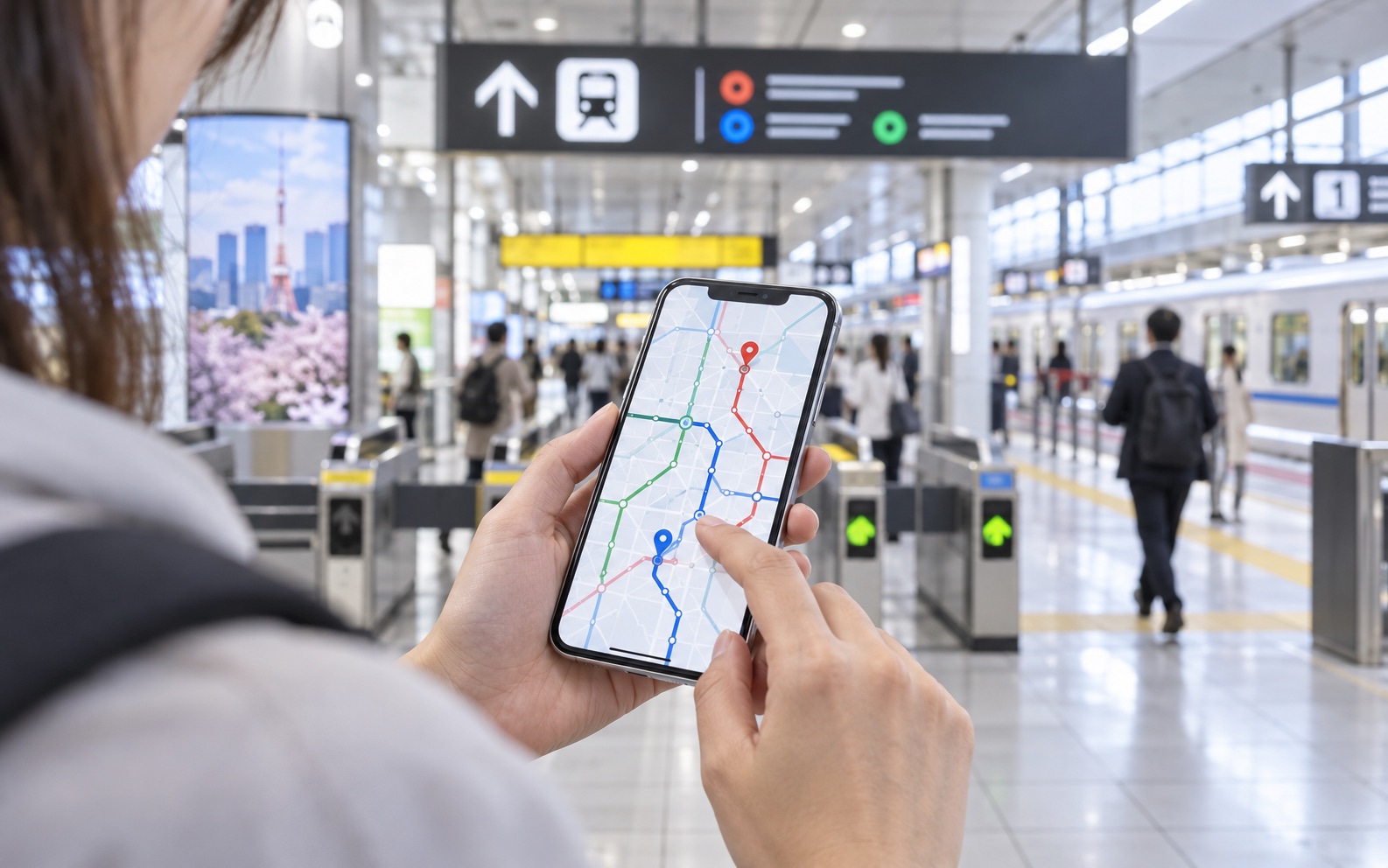
You do not need a phone full of Japan travel apps. Start with one reliable map, one translation tool, and the official booking service for any long-distance train you plan to reserve. Add a taxi app only if it suits your itinerary.
Maps + translation + your booking service
This combination handles most journeys. Download everything before departure, sign in, add a payment method where needed, and test the apps while you still have stable internet.
1. The essential setup
| Need | Good starting choice | Why |
|---|---|---|
| Everyday routes | Google Maps or Apple Maps | Platforms, transfers, walking, and place search in one app. |
| Japan-focused routes | Japan Travel by NAVITIME | Useful rail-pass and route filters for visitors. |
| Translation | Google Translate or Apple Translate | Camera and downloaded-language support can help at machines and signs. |
| Taxis | GO or another locally supported app | Pickup details and cashless options where available. |
2. Route-planning apps
For most visitors, a familiar map app is the easiest choice. Check the departure time, railway company, line name, platform, service type, transfers, and exit number. Do not look only at the arrival time.
- Change “depart at” to “arrive by” when you have a reservation.
- Compare a direct route with the fastest route.
- Confirm whether a result includes a paid limited-express train.
- Screenshot the route and destination address before going underground.
3. Official railway information
Railway apps and websites are best for live service notices and operator-specific details. Use the relevant JR company, Tokyo Metro, or private railway source when a general map shows a delay or unusual route.
No single official railway app covers every operator in Japan. Keep your general map for planning, then open the operating company’s website when accuracy matters.
4. Shinkansen booking services
Smart EX is the official online reservation service for the Tokaido, Sanyo, and Kyushu Shinkansen. Other regions use different JR booking services, so first identify which Shinkansen line you need.
The Smart EX app is distributed only in certain regions, while its website may be available more broadly. Availability, accepted cards, and ticket pickup rules can change.
5. Taxi apps
Taxi apps are useful after the last train, with luggage, or when traveling to a place far from a station. GO operates across many areas of Japan, but service coverage and app features depend on location.
Enter the exact pickup point. Large stations have multiple taxi stands, and drivers may not be able to stop on a busy road. A hotel entrance or designated stand is usually easier.
6. Translation and offline backup
Download Japanese for offline use before your flight. Camera translation helps with ticket-machine screens, notices, and bus-stop signs, but translations are not always exact. For important questions, show staff a short sentence rather than a long paragraph.
Keep these items outside your apps as a backup:
- Your hotel name and address in Japanese
- Screenshots of airport and first-day routes
- Train booking numbers and QR codes
- A portable battery and charging cable
- A physical payment card and some Japanese yen
7. Before your flight: five-minute checklist
- 1Install and update the apps
Do not wait until you are standing at the airport ticket machine.
- 2Sign in and verify payment
Some services require email verification or card authentication.
- 3Download offline languages and maps
Offline coverage provides a useful fallback when data is slow.
- 4Save your first route
Include the airport terminal, transfer station, and nearest hotel exit.
- 5Turn on useful notifications
Enable trip and delay alerts, but disable promotional notifications if you prefer.
Your battery is part of your transport plan. Start long travel days fully charged and carry a compact power bank.
Shinkansen booking details were checked against JR Central’s official guide. Taxi coverage should be confirmed on the GO official website. App availability and features may vary by country, device, and date.